

Implementing robust login protection in WordPress is crucial for securing your website against unauthorized access and brute-force attacks. Here are some effective strategies to enhance your WordPress login security:
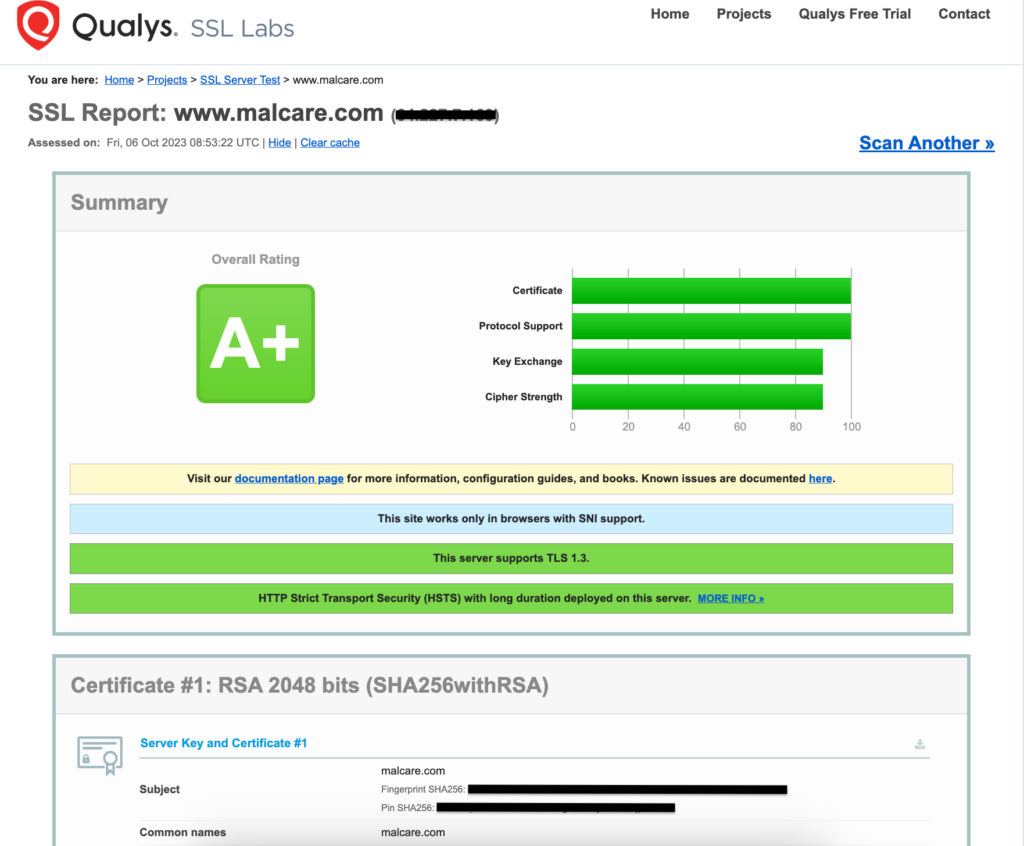
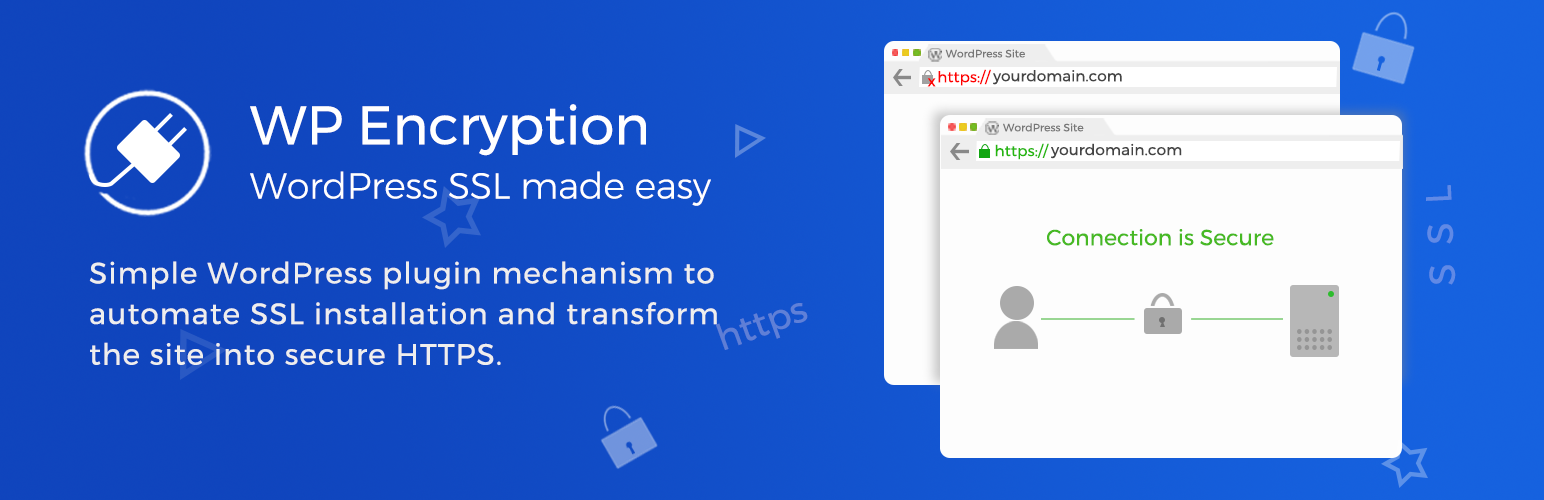
1. Use an SSL/TLS Certificate
Ensure that your WordPress site uses an SSL/TLS certificate to encrypt data transmitted between the user's browser and your server. This protects login credentials from being intercepted by hackers.
2. Enforce Strong Password Policies
- Use Strong Passwords: Ensure all users have strong, unique passwords.
- Password Managers: Encourage users to use password managers to securely store complex passwords.
3. Limit Login Attempts
Use plugins like Limit Login Attempts to restrict the number of login attempts within a certain timeframe. This helps prevent brute-force attacks by temporarily blocking IP addresses after a few failed attempts.
4. Change the Default Login URL
Modify the default WordPress login URL (e.g., /wp-admin) to prevent automated attacks. Plugins like WPS Hide Login can help you achieve this.
5. Implement Two-Factor Authentication (2FA)
Add an extra layer of security by requiring users to provide a second form of verification, such as a code sent via SMS or generated by an authenticator app. Plugins like miniOrange’s Google Authenticator are popular for this purpose.
6. Use CAPTCHA
Add CAPTCHA to your login form to prevent automated scripts from attempting to log in. This can be done using various security plugins.
7. Disable Inactive Accounts and XML-RPC
- Inactive Accounts: Regularly remove inactive user accounts to reduce potential vulnerabilities.
- XML-RPC: Disable XML-RPC if not needed, as it can be exploited for brute-force attacks.
8. Add HTTP Authentication
Implement an additional layer of password protection using HTTP authentication. This requires users to enter a username and password before accessing the WordPress login page. However, this method may not be suitable for sites requiring frequent user logins.
9. Regular Updates and Audits
- Keep WordPress Updated: Ensure your WordPress core, themes, and plugins are always up-to-date to patch security vulnerabilities.
- User Account Audits: Regularly review user roles and permissions to maintain a secure user list.
By implementing these strategies, you can significantly enhance the security of your WordPress login page and protect your site from unauthorized access.













Maple Ranking offers the highest quality website traffic services in Canada. We provide a variety of traffic services for our clients, including website traffic, desktop traffic, mobile traffic, Google traffic, search traffic, eCommerce traffic, YouTube traffic, and TikTok traffic. Our website boasts a 100% customer satisfaction rate, so you can confidently purchase large amounts of SEO traffic online. For just 720 PHP per month, you can immediately increase website traffic, improve SEO performance, and boost sales!
Having trouble choosing a traffic package? Contact us, and our staff will assist you.
Free consultation