

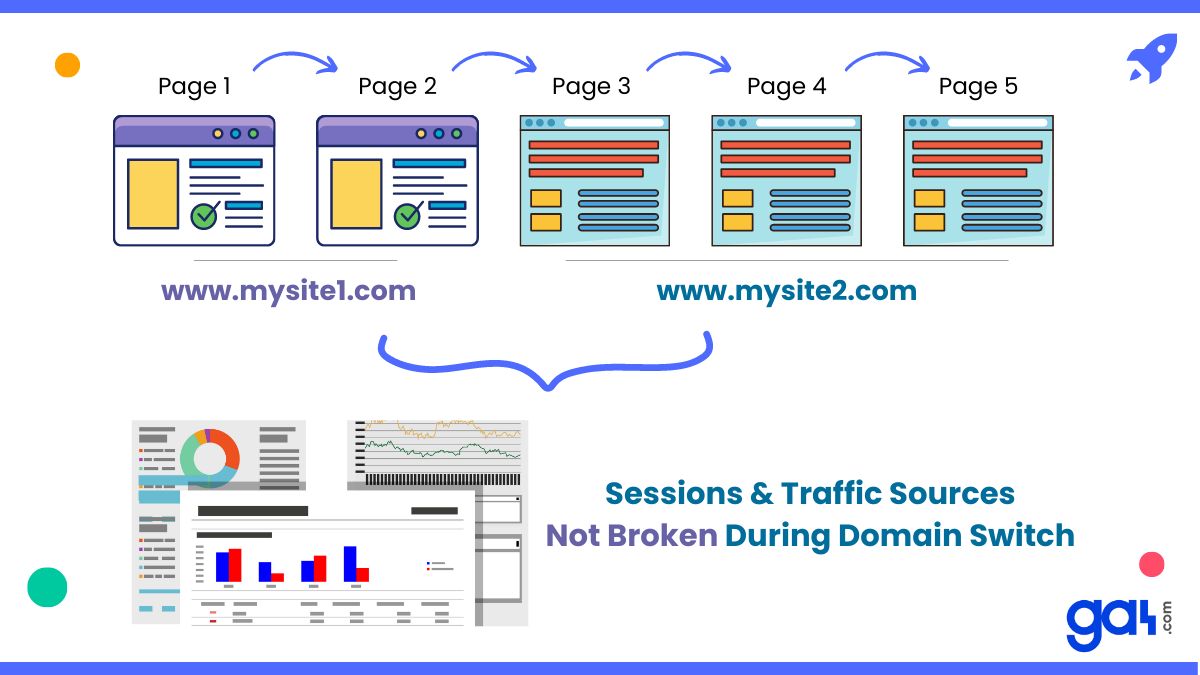
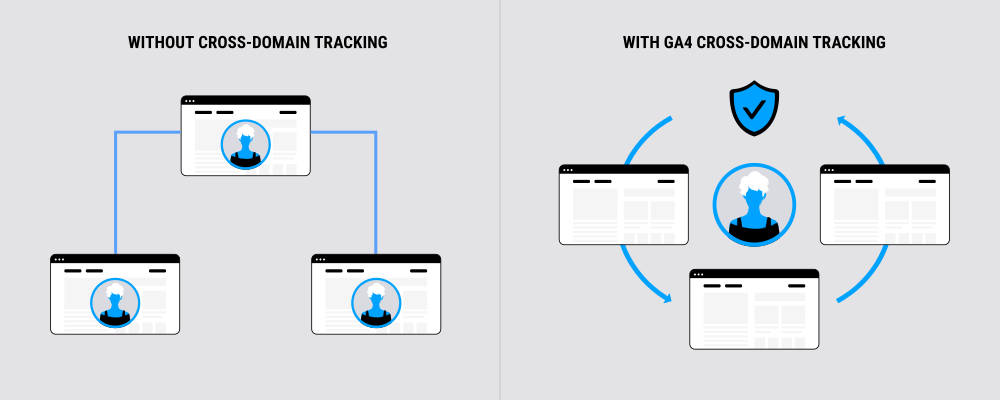
Cross-domain tracking in Google Analytics 4 (GA4) links user sessions across multiple distinct domains (e.g., domainA.com to domainB.com) by passing identifiers via a _gl URL parameter, treating them as a single continuous session. This requires all domains to use the same GA4 property and measurement ID (data stream), unlike subdomains which GA4 handles automatically without setup.
Key Benefits
- Provides a complete user journey view, reducing data discrepancies in e-commerce (e.g., product pages to payment gateways) and attribution errors.
- Improves accuracy for metrics like unique users, sessions, and conversions by avoiding session fragmentation.
Requirements
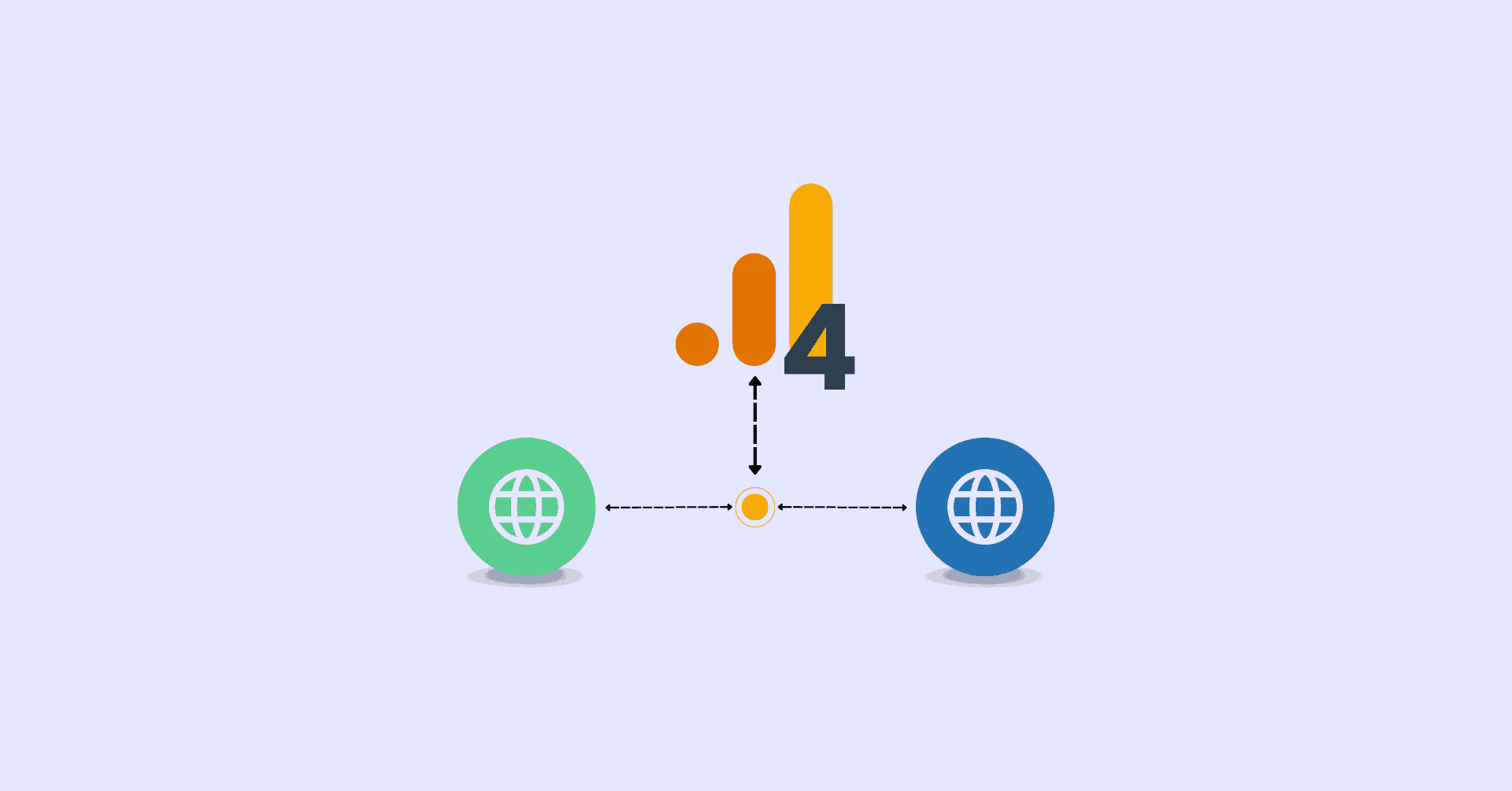
- Single GA4 property: All domains must share one property and measurement ID (G-XXXXXX); separate properties prevent session stitching.
- GA4 automatically detects domains if using the same Google tag; otherwise, manual configuration is needed.
Setup Steps (via GA4 Admin Interface)
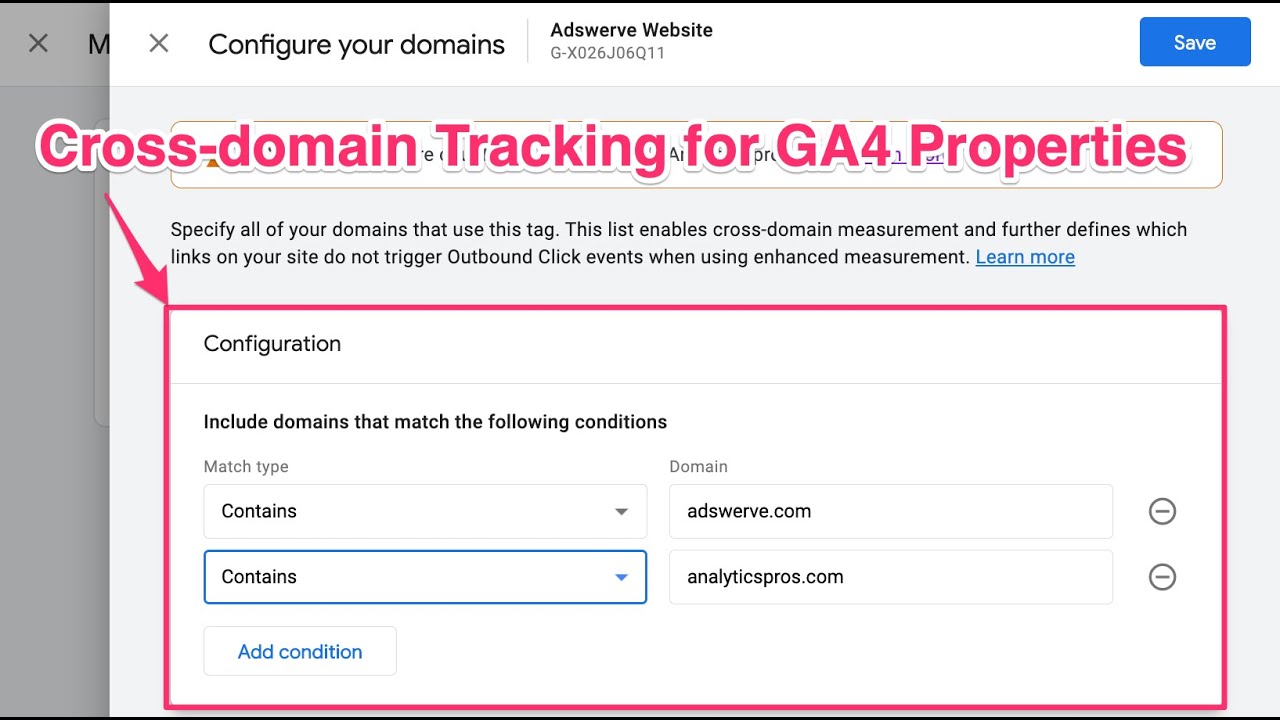
- Go to Admin > Data Streams > [Your Web Stream] > More tagging settings (Configure tag settings) > Configure your domains.
- Click the pencil icon or Add condition; enter domains (e.g.,
example.com) using OR logic. Accept auto-detected recommendations if applicable. - Click Save. All domains must implement the same GA4 tag (e.g., via Google Tag Manager).
| Setup Strategy | Description | Best For |
|---|---|---|
| Single GA4 Property + Single Data Stream | Unified tracking across domains. | Most users; simplest setup. |
| Multiple GA4 Properties | Cross-domain enabled per property; data joins externally (e.g., BigQuery). | Strict data separation. |
| Rollup/Subproperties (GA4 360 only) | Aggregated or filtered views. | Enterprise reporting. |
Cross-Device Tracking
GA4 does not natively support deterministic cross-device tracking (e.g., phone to laptop as one user) in standard setups, relying instead on probabilistic User-ID for consented, logged-in users across devices. Cross-domain focuses on same-device, multi-domain paths; combine with User-ID for fuller multi-device insights (not detailed in results).
Testing and Troubleshooting
- Check destination URLs for the
_glparameter after navigation. - Use GA4 DebugView to verify session continuity.
- Common issues: Mismatched measurement IDs, unconfigured domains, or third-party blockers.
Limitations include no historical data merging and potential privacy impacts from linker parameters; GA4 360 offers advanced options. For custom setups (e.g., via gtag), ensure linker parameters propagate correctly.














Maple Ranking offers the highest quality website traffic services in Canada. We provide a variety of traffic services for our clients, including website traffic, desktop traffic, mobile traffic, Google traffic, search traffic, eCommerce traffic, YouTube traffic, and TikTok traffic. Our website boasts a 100% customer satisfaction rate, so you can confidently purchase large amounts of SEO traffic online. For just 720 PHP per month, you can immediately increase website traffic, improve SEO performance, and boost sales!
Having trouble choosing a traffic package? Contact us, and our staff will assist you.
Free consultation