

Diagnosing Indexing Issues in Google Search Console
Google Search Console's Page Indexing report (under Coverage) provides a breakdown of your site's URLs by status, such as "Discovered - currently not indexed," "Crawled - currently not indexed," server errors (5xx), or "Submitted URL has crawl issue," helping identify why pages aren't indexed.
Step-by-Step Diagnosis Process
Follow this structured sequence to pinpoint issues, starting with GSC data and verifying externally:
-
Establish baselines in GSC: Review the Page Indexing report for total indexed pages, error counts by type, and 90-day trends. Export error lists. Check Crawl Stats for average response time, request count, and host status.
-
Segment by patterns: Group errors by URL patterns, directories, or templates (e.g., same directory suggests duplication or canonical issues; sitemap-only discovery indicates weak internal links).
-
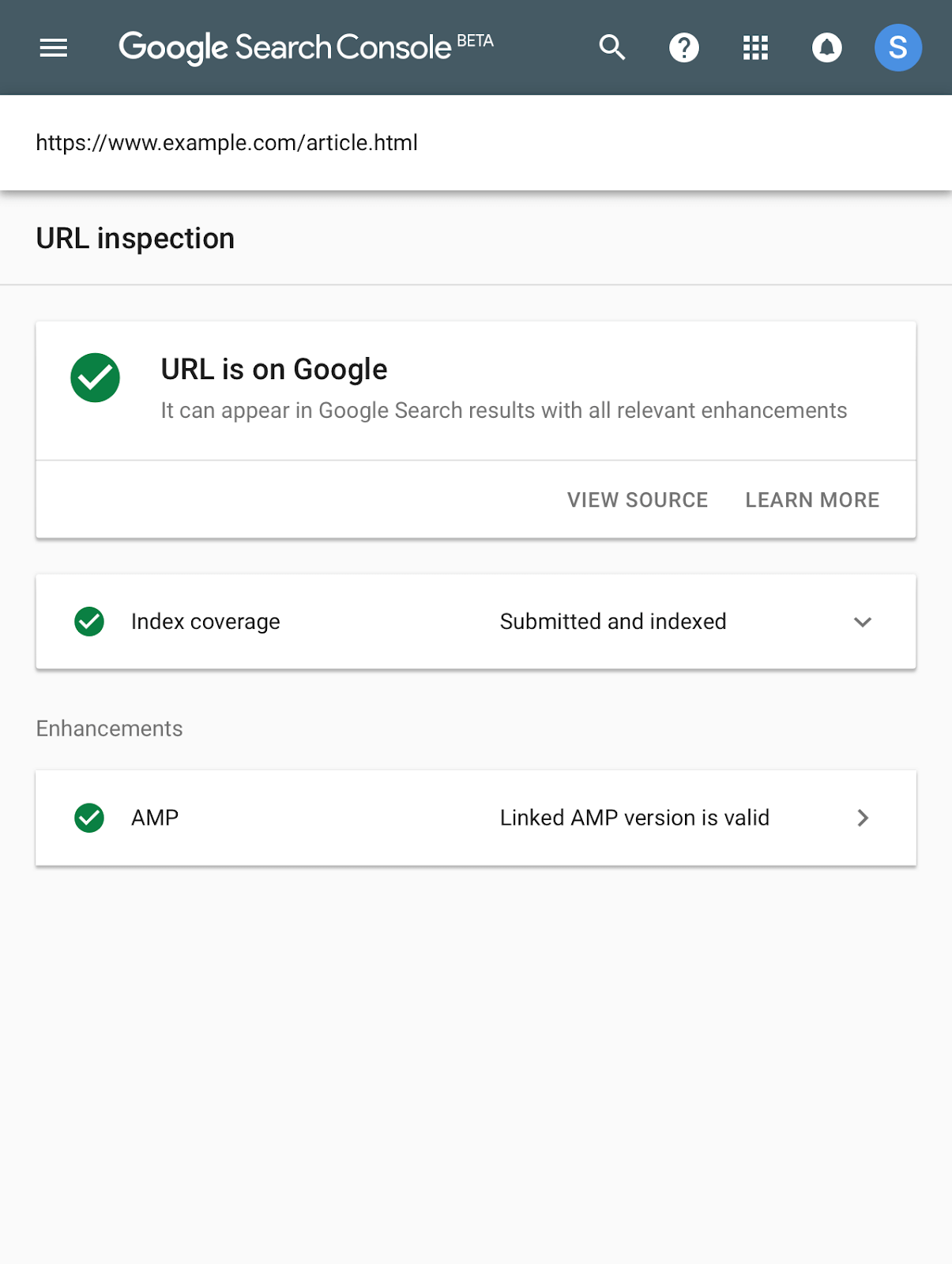
Inspect individual URLs: Use the URL Inspection tool to check crawlability, indexing status, and rendering for Googlebot. Test as both user and Googlebot via browser tools or curl/wget.
-
Cross-check server logs and external factors: Analyze logs for Googlebot behavior, 5xx patterns, memory issues, or blocks. Correlate with deployment times, traffic spikes, or CDN problems. Use tools like Screaming Frog for log analysis.
-
Verify site-wide factors: Run a Google site: search to count indexed pages. Audit for noindex tags, robots.txt blocks, duplicates, thin content, or slow speeds.
Common patterns and diagnoses:
| Issue Type | Likely Causes | Key Checks |
|---|---|---|
| Discovered - currently not indexed | Crawl prioritization, weak internal links, sitemap-only discovery, server overload, low-value content | Internal links, sitemaps, crawl stats, uniqueness, canonicals |
| Crawled - currently not indexed | Duplication, thin content, poor intent match, rendering failures | Content quality, duplicates, JS rendering, canonicals |
| Server error (5xx) | Database timeouts, memory crashes, API failures, misconfigs | Server logs, response times, Googlebot-specific tests |
| Submitted URL has crawl issue | Temporary blocks, redirects, 404s | Re-inspect; often resolves naturally |
Common Fixes by Issue
- Improve discovery/crawl: Add internal links from indexed pages, optimize sitemaps, fix orphans, reduce URL sprawl.
- Resolve duplicates/thin content: Implement canonical tags, consolidate low-value pages, enhance uniqueness and usefulness.
- Fix server/crawl issues: Optimize response times (<200-600ms ideal), scale resources, check robots.txt/noindex, handle redirects properly.
- Content/quality blocks: Remove noindex, improve loading speed, fix broken links, ensure JS renders for Googlebot.
- Monitor large sites: Watch for crawl budget limits; prioritize high-value pages if >500 URLs affected.
Re-inspect fixed URLs in GSC and track trends over 1-2 weeks. For JS-heavy sites, audit rendering differences. If issues persist without clear patterns, they may self-resolve or indicate site-scale problems like low authority.













Maple Ranking offers the highest quality website traffic services in Canada. We provide a variety of traffic services for our clients, including website traffic, desktop traffic, mobile traffic, Google traffic, search traffic, eCommerce traffic, YouTube traffic, and TikTok traffic. Our website boasts a 100% customer satisfaction rate, so you can confidently purchase large amounts of SEO traffic online. For just 720 PHP per month, you can immediately increase website traffic, improve SEO performance, and boost sales!
Having trouble choosing a traffic package? Contact us, and our staff will assist you.
Free consultation