

A guest posting calendar built around seasonal trends should align your topics and pitches with predictable spikes in audience interest throughout the year, and be planned 6–12 weeks before each key date. The goal is to pitch the right seasonal angle to the right site at the right time so your posts go live when search, social, and buyer intent are peaking.
Below is a concise framework you can model.
1. Decide your seasonal focus for guest posts
Start by mapping out which seasons, holidays, and industry events matter most for your niche.
- Review your analytics for past traffic or sales spikes to see when your audience is most active.
- Use tools like Google Trends to see when key topics in your niche peak (e.g., “back to school,” “Black Friday deals,” “New Year planning”).
- Pick:
- 3–5 major seasonal anchors (e.g., New Year, summer, back‑to‑school, Black Friday/Cyber Monday, year‑end).
- 4–8 supporting moments (e.g., Valentine’s Day, Mother’s Day, tax season, industry conferences).
2. Apply lead times specifically for guest posting
Because guest content must be pitched, accepted, and scheduled, work backward from the date you want posts to publish.
Use these minimum lead times (you can adapt from seasonal content timing best practices):
| Guest Post Type / Occasion | Ideal “Go Live” Window | Pitch Deadline (to host site) |
|---|---|---|
| Major holidays (Christmas, Black Friday, New Year) | 4–6 weeks before the day | 10–12 weeks before |
| Shopping events (Back‑to‑school, Mother’s Day, Prime Day‑style sales) | 3–4 weeks before event | 8–10 weeks before |
| Business / planning themes (Q1 goals, year‑end wrap‑ups) | Start of the relevant quarter or month | 6–8 weeks before |
| Industry events / conferences | 2–3 weeks before event | 6–8 weeks before |
This usually means drafting topics 2–3 months before the season, and pitching them 1.5–2.5 months before you want them live.
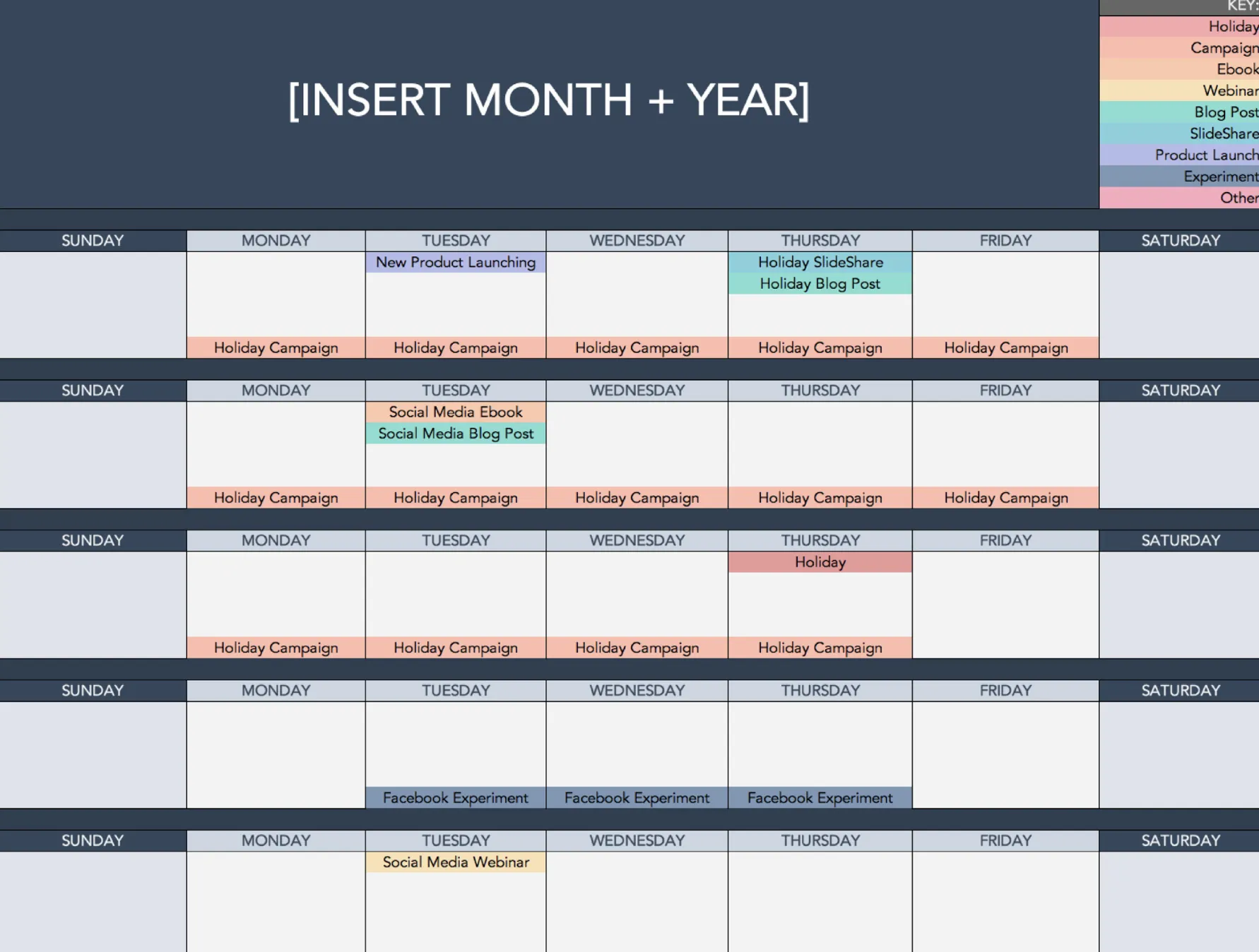
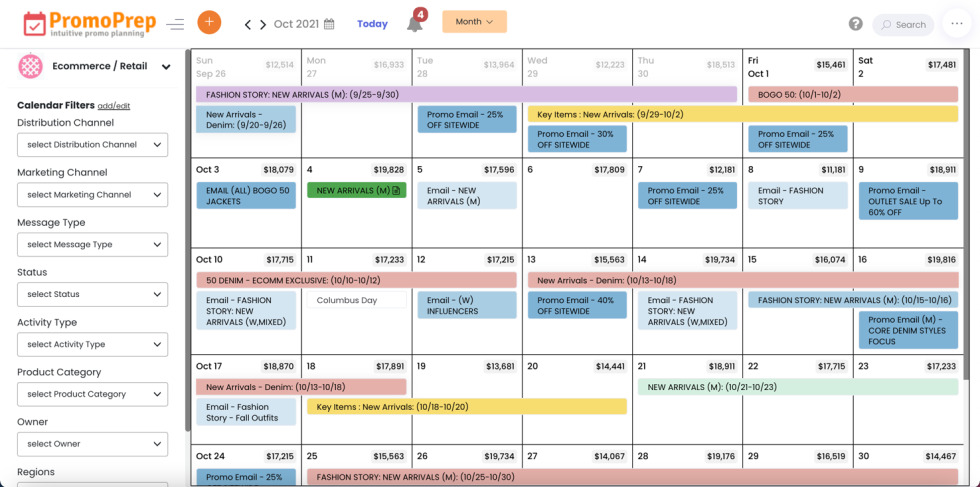
3. Build a simple yearly guest posting calendar
Create a spreadsheet with columns such as:
- Month / Week
- Seasonal theme (audience mindset)
- Target keywords / angle
- Target sites to pitch
- Working title & format (how‑to, list, case study, thought leadership)
- Pitch date, status, and expected publish date
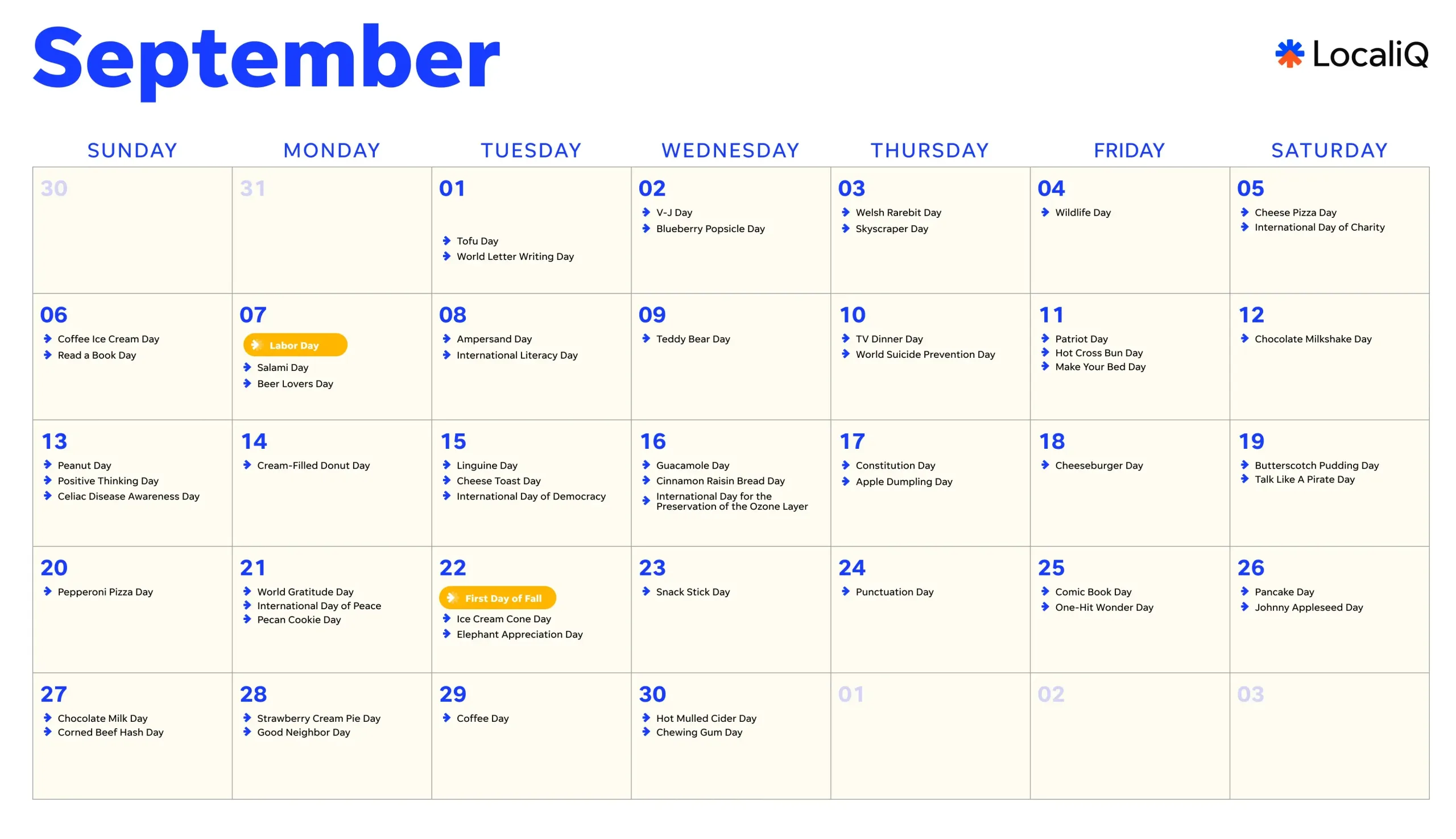
Here’s an example structure for your topics by month (adapt to your niche):
- January – “Fresh start” & planning
- Angles: resolutions, audits, goal‑setting, decluttering, habit‑building, “reset your [topic] for the year”.
- February – Relationships, loyalty, self‑care
- Angles: customer retention, community, collaborations, self‑improvement.
- March–April – Spring, new beginnings, tax/financial season (where relevant)
- Angles: spring cleaning systems, optimizing, budgeting, tax‑related content, launching new projects.
- May–June – Preparation, growth, pre‑summer
- Angles: “get ready for summer,” Q2 growth, mid‑year planning, event / travel season.
- July–August – Summer, lighter content, experimentation
- Angles: simplification, automation, working less, evergreen how‑tos.
- September – Back‑to‑school / back‑to‑work
- Angles: productivity, systems, learning, “reset after summer,” new programs or offers.
- October – Pre‑holiday and planning season
- Angles: holiday prep, Q4 strategy, Black Friday planning, early gift or buying guides (B2C) or budgeting (B2B).
- November – Promotions & peak buying intent
- Angles: Black Friday / Cyber Monday, holiday offers, “how to choose the right [product/service]”, self‑care post‑promo.
- December – Reflection & year‑end
- Angles: lessons learned, year‑in‑review, predictions and trends, planning for next year.
Use this to cluster guest post campaigns rather than isolated posts: for each seasonal theme, create 2–3 topics that you can pitch to multiple sites.
4. Match seasonal angles to specific host sites
When planning your calendar, assign which site type fits which seasonal theme:
- Authority blogs: strategic, data‑driven seasonal pieces (trends, forecasts, deep guides).
- Mid‑tier niche blogs: how‑tos and checklists tied to seasonal challenges.
- Smaller or community sites: personal stories, “lessons from this season”, opinion pieces.
Align each pitch with:
- The host site’s audience timing (e.g., e‑commerce blogs care more about shopping events, SaaS blogs care about budgeting cycles).
- Their editorial calendar: many will publish their own call‑for‑pitches around certain seasons; your lead times give you room to adapt.
5. Use data to refine next year’s calendar
Treat this as a living system, not a one‑off.
Track for each guest post:
- Referral traffic and on‑site behaviour (bounce, time on page).
- Email sign‑ups or leads.
- Backlink quality and keyword rankings over time.
- Engagement metrics if the host shares on social: comments, saves, shares.
Note which:
- Seasons and themes produced the best results.
- Host sites sent the most engaged visitors.
- Lead times were too short/long.
Use those insights to adjust next year’s calendar, doubling down on the best‑performing seasons and trimming weak ones.
6. Practical template you can copy
Minimum structure for your Guest Posting Seasonal Calendar:
-
Tab 1 – Annual overview
- Month
- Primary seasonal theme
- Supporting key dates
- Priority: High / Medium / Low
-
Tab 2 – Guest post pipeline
- Seasonal theme
- Working title
- Target keyword
- Target site
- Pitch date
- Status (pitched / accepted / in progress / scheduled / live)
- Planned publish window
- Actual publish date
- Result notes (traffic, leads, links)
Populate the themes first for the whole year, then each month allocate specific guest post ideas and outreach tasks 2–3 months ahead of their seasonal peak.
If you share your niche and target audience, I can draft a sample 3‑month seasonal guest posting plan with specific angles and titles.















Maple Ranking offers the highest quality website traffic services in Canada. We provide a variety of traffic services for our clients, including website traffic, desktop traffic, mobile traffic, Google traffic, search traffic, eCommerce traffic, YouTube traffic, and TikTok traffic. Our website boasts a 100% customer satisfaction rate, so you can confidently purchase large amounts of SEO traffic online. For just 720 PHP per month, you can immediately increase website traffic, improve SEO performance, and boost sales!
Having trouble choosing a traffic package? Contact us, and our staff will assist you.
Free consultation