

GA4 Event Tracking Overview
Google Analytics 4 (GA4) tracks user interactions as events, categorized into automatically collected, enhanced measurement, recommended, and custom events. Custom naming conventions ensure consistent, analyzable data by using descriptive, standardized names and parameters.
Types of GA4 Events
GA4 events fall into four main categories:
- Automatically collected events: Tracked by default (e.g., page views, first visit).
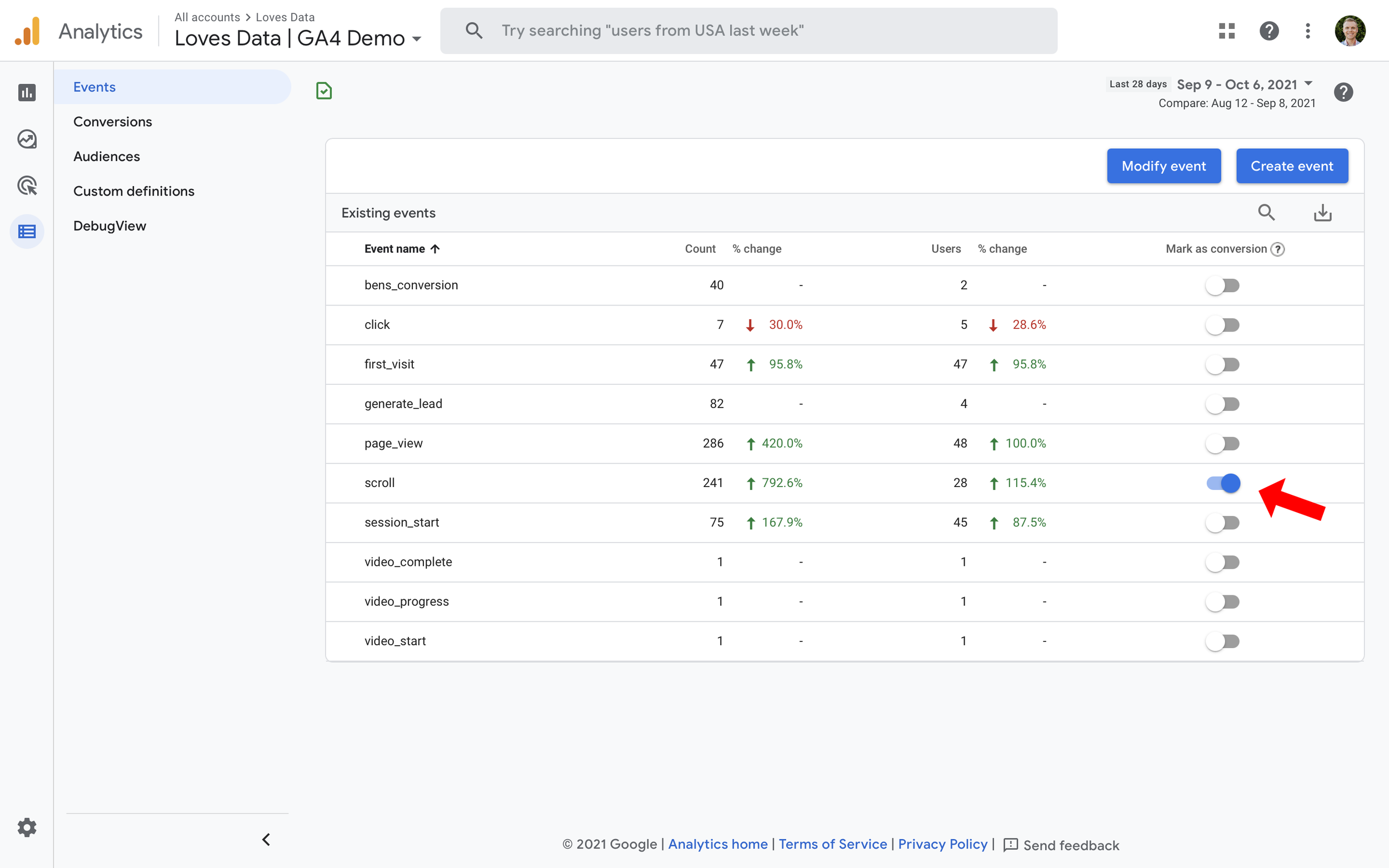
- Enhanced measurement events: Enabled via toggle for actions like scrolls, outbound clicks, or video plays.
- Recommended events: Predefined names and parameters for common actions (e.g.,
add_to_cart,generate_lead); use these for compatibility and reporting. - Custom events: User-defined for unique interactions; create only if recommended events don't fit.
Setting Up Event Tracking
Track events via GA4 interface, Google Tag Manager (GTM), or gtag.js. Start with enhanced measurement, then add custom ones.
1. In GA4 Interface (No Code Needed)
- Go to Admin > Events > Create Event (or Custom configurations > Modifications for edits).
- Enter event name (e.g.,
generate_lead). - Set matching conditions (e.g., parameter
page_locationequals thank-you URL). - Optionally copy parameters from base event; save to activate.
- Test in Real-time report or DebugView (Admin > DebugView).
2. Using Google Tag Manager (Recommended for Custom Events)
- Create new tag: GA4 Event, add Measurement ID.
- Set event name (e.g.,
cta_click); use recommended names where possible. - Add event parameters (e.g.,
button_text: {{DLV - button_text}}from data layer). - Configure triggers (e.g., click on specific element).
- Preview/debug in GTM, then publish.
3. Event Limits
- 500 event names per property (case-sensitive).
- Custom parameters: Register up to 25-40 via GA4 UI for reporting.
Custom Naming Conventions Best Practices
Plan a naming structure before implementation to avoid data silos:
- Use lowercase, underscores (e.g.,
video_play,form_submit_success). - Prefix by category if needed (e.g.,
purchase_complete,login_failure). - Align with recommended events for built-in reports (see Google’s list).
- Document in a tracking plan: Map event name, parameters (e.g.,
currency,value), triggers. - For Universal Analytics migrants: Map old events (e.g., UA
eventto GA4button_click). - Keep consistent: Avoid categories; focus on name + parameters for segmentation.
| Aspect | Best Practice Example |
|---|---|
| Event Name | add_payment_info (recommended) or custom_signup_step2 |
| Parameters | method: credit_card, value: 29.99 |
| Avoid | Spaces, capitals, ambiguity (e.g., not Click) |
Viewing and Testing Events
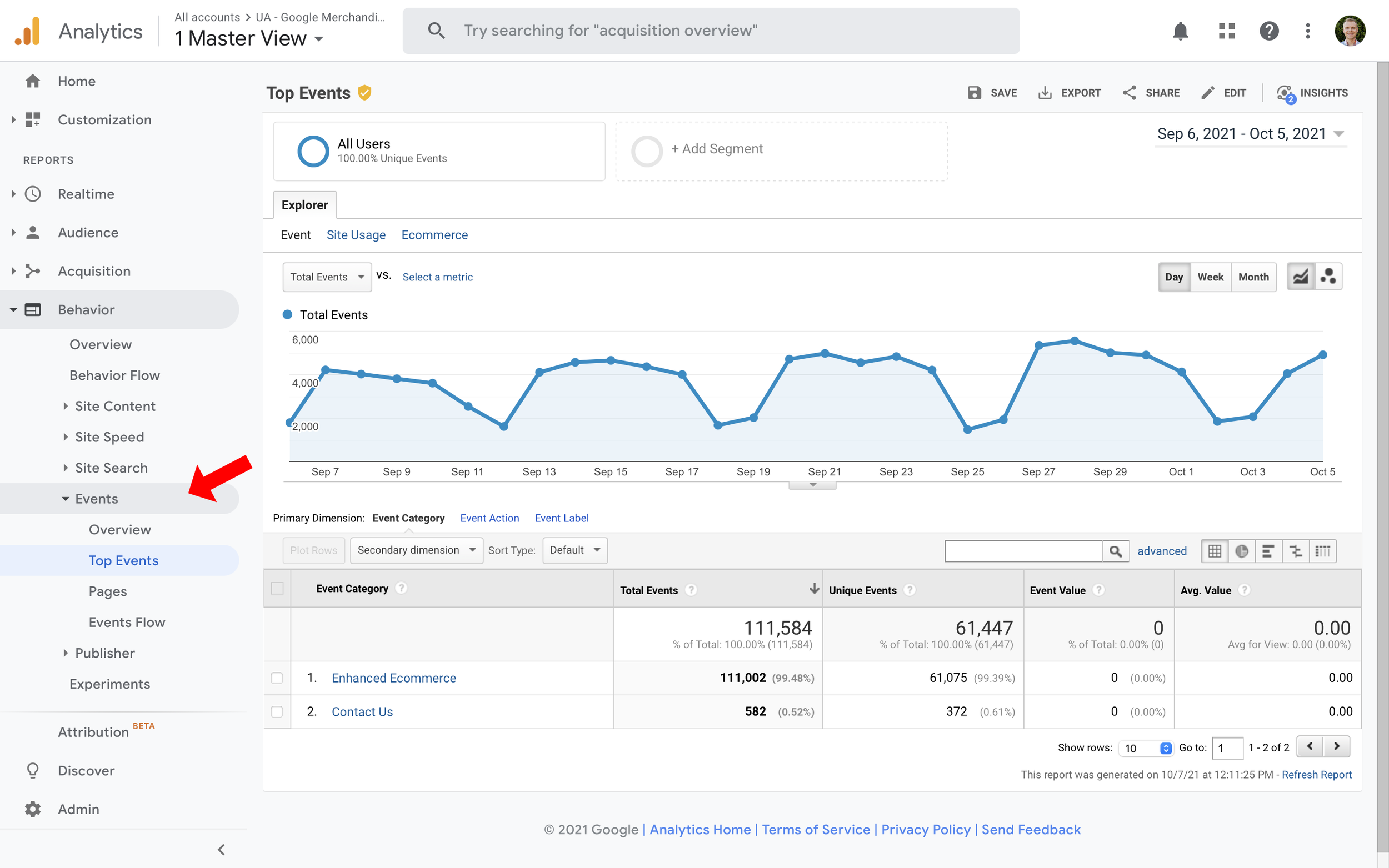
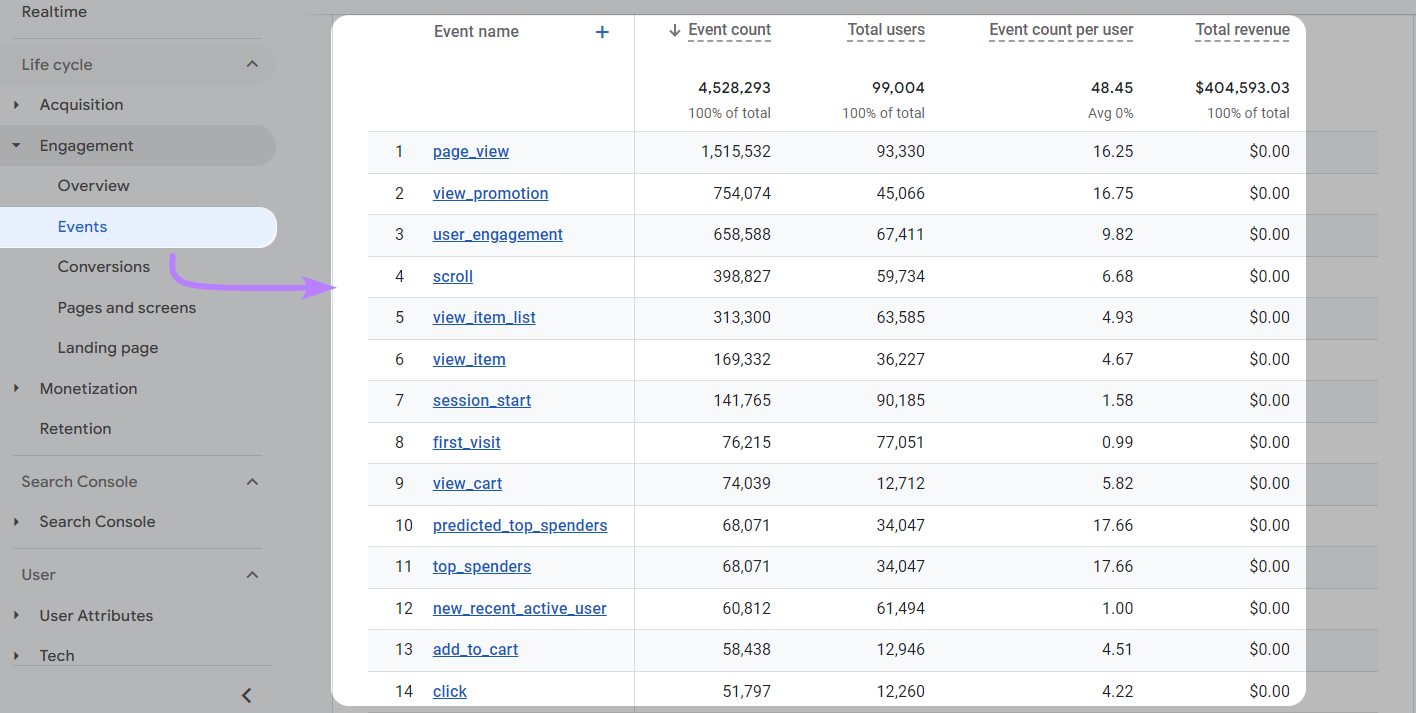
- Reports: Reports > Engagement > Events (shows count, users, revenue).
- Real-time: Confirm firing instantly.
- DebugView: Live parameter inspection.
- Delays: New events may take hours to process.
Follow recommended events first, then customize with a documented plan for scalable tracking.















Maple Ranking offers the highest quality website traffic services in Canada. We provide a variety of traffic services for our clients, including website traffic, desktop traffic, mobile traffic, Google traffic, search traffic, eCommerce traffic, YouTube traffic, and TikTok traffic. Our website boasts a 100% customer satisfaction rate, so you can confidently purchase large amounts of SEO traffic online. For just 720 PHP per month, you can immediately increase website traffic, improve SEO performance, and boost sales!
Having trouble choosing a traffic package? Contact us, and our staff will assist you.
Free consultation