

Key Differences Between Google Analytics 4 (GA4) and Universal Analytics (UA)
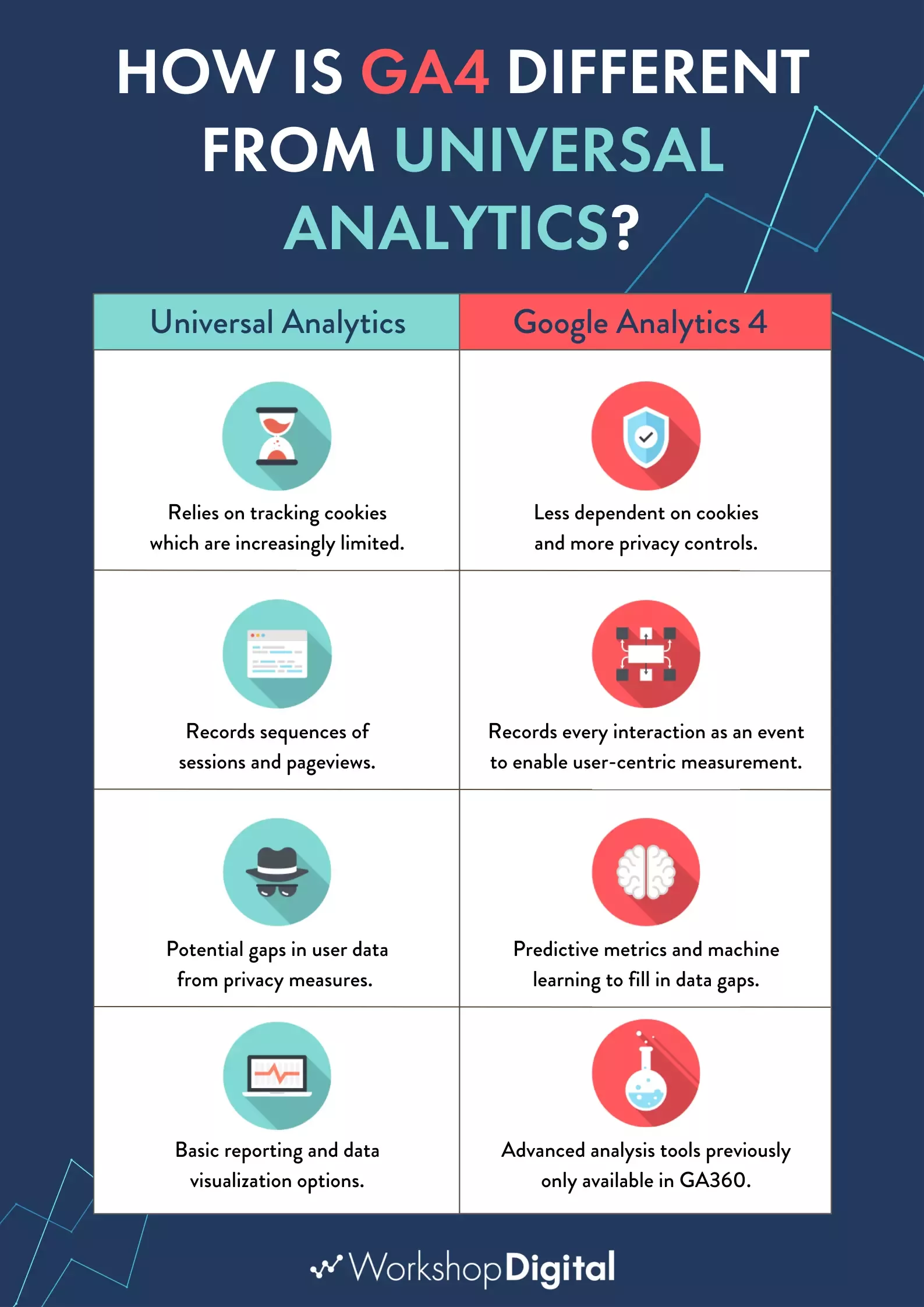
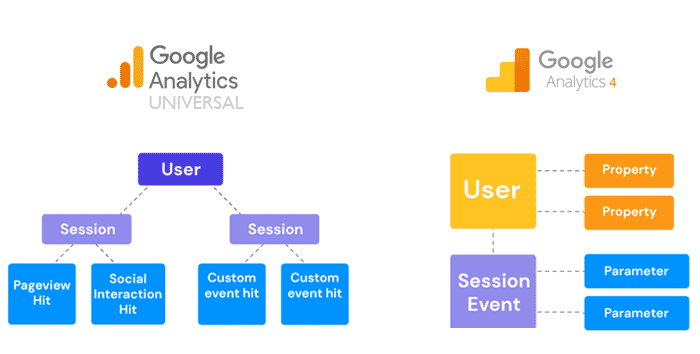
GA4 uses an event-based data model focused on user engagement across devices, while UA relies on a session- and pageview-based (hit-based) model centered on total sessions and pageviews. This shift replaces UA's rigid structure with GA4's flexible tracking of user actions as events, enabling better cross-platform insights without data limits (UA caps at 10 million hits per property daily).
Core Comparison Table
| Feature | Universal Analytics (UA) | Google Analytics 4 (GA4) |
|---|---|---|
| Data Model | Hit-based (sessions, pageviews, events) | Event-based (everything is an event with parameters) |
| Primary User Metric | Total Users | Active Users (users with engaged sessions) |
| User Metrics | Total Users, New Users | Total Users, New Users, Active Users |
| Sessions | Time-based; new session on campaign change | Activity-based; no new session mid-session on source change |
| Bounce Rate | Available | Replaced by Engagement Rate (time on page + interactions) |
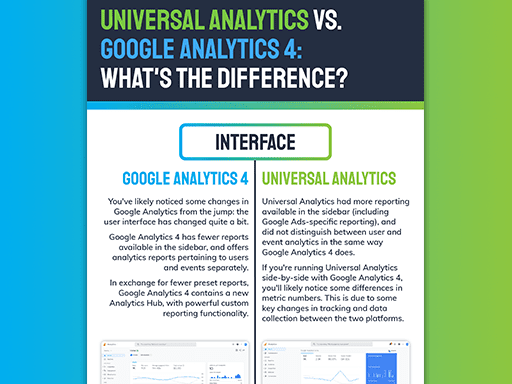
| Interface | Fixed reports, less customizable | Customizable dashboards, automated ML insights |
| Privacy & IP | Manual IP anonymization for GDPR | Automatic IP anonymization, easier data deletion |
| Conversions/Goals | Rigid goals (e.g., 4 types) | Flexible event-based conversions |
| Cross-Device | Limited | Omnichannel (apps, web, TV via data streams) |
| Other | Form tracking native; data limits | No data limits; predictive analytics, cookie-less |
GA4 emphasizes active engagement (e.g., engaged sessions over 10 seconds or with events) rather than UA's total visits, leading to expected data discrepancies like fewer sessions or users. Reports in GA4 are reorganized (e.g., new Engagement, Retention tabs) with machine learning for insights, but all UA metrics can be recreated as events.
Migration Guide from UA to GA4
Google provides an automated migration tool to convert UA properties to GA4, transferring goals to events and historical data where possible (UA processing ended July 2023, but GA4 is now standard). Follow these steps based on official transitions:
- Create a GA4 Property: In Google Analytics, go to Admin > Create Property > select GA4. Link it to your UA web stream via Setup Assistant.
- Use Migration Assistant: It auto-maps UA goals to GA4 events, handles session-to-event translation, and sets up enhanced measurement (e.g., scrolls, outbound clicks) with toggles—no code tweaks needed unlike UA.
- Install GA4 Tag: Use Google Tag Manager (GTM) or gtag.js. Replace UA's
gtag('config', 'UA-XXXXX')with GA4'sgtag('config', 'G-XXXXX'). Enable Google Signals for cross-device modeling. - Verify & Customize: Check real-time reports for data flow. Recreate custom events (e.g., form submits as 'form_submit') via GTM. Import UA conversions to Google Ads if linked.
- Run Parallel Tracking: Track both for 30-90 days to compare (expect 10-20% user/session differences due to models).
- Post-Migration: Delete UA data if needed (easier in GA4); explore BigQuery for advanced exports (free in GA4 vs. paid in UA).
- Test Key Reports: Bounce rate → Engagement Rate; Goals → Mark events as conversions in Admin > Events.
Note: UA is fully deprecated (no new data since 2023), so migrate promptly; GA4 lacks some UA reports natively but offers explorations and custom dashboards as equivalents. For complex setups, use GTM for event parameters.














Maple Ranking offers the highest quality website traffic services in Canada. We provide a variety of traffic services for our clients, including website traffic, desktop traffic, mobile traffic, Google traffic, search traffic, eCommerce traffic, YouTube traffic, and TikTok traffic. Our website boasts a 100% customer satisfaction rate, so you can confidently purchase large amounts of SEO traffic online. For just 720 PHP per month, you can immediately increase website traffic, improve SEO performance, and boost sales!
Having trouble choosing a traffic package? Contact us, and our staff will assist you.
Free consultation