

What is a Content Calendar?
A content calendar (also called an editorial calendar) is an organized schedule for planning, producing, and publishing blog posts to ensure consistent output, fresh topics, and alignment with goals like traffic growth.
Key Benefits for Consistent Blog Publishing
- Maintains a steady posting rhythm to build audience habits and SEO momentum.
- Tracks progress from ideation to promotion, preventing last-minute rushes.
- Accommodates seasonal events, product launches, or holidays without gaps.
Step-by-Step Guide to Create One
Follow these proven steps synthesized from expert guides:
-
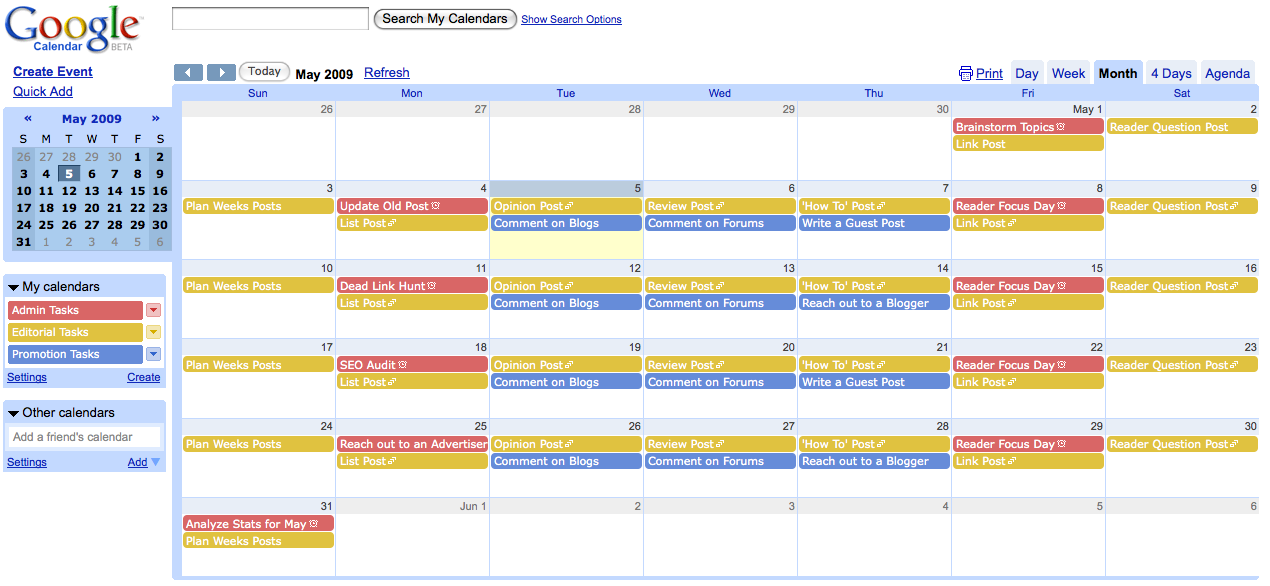
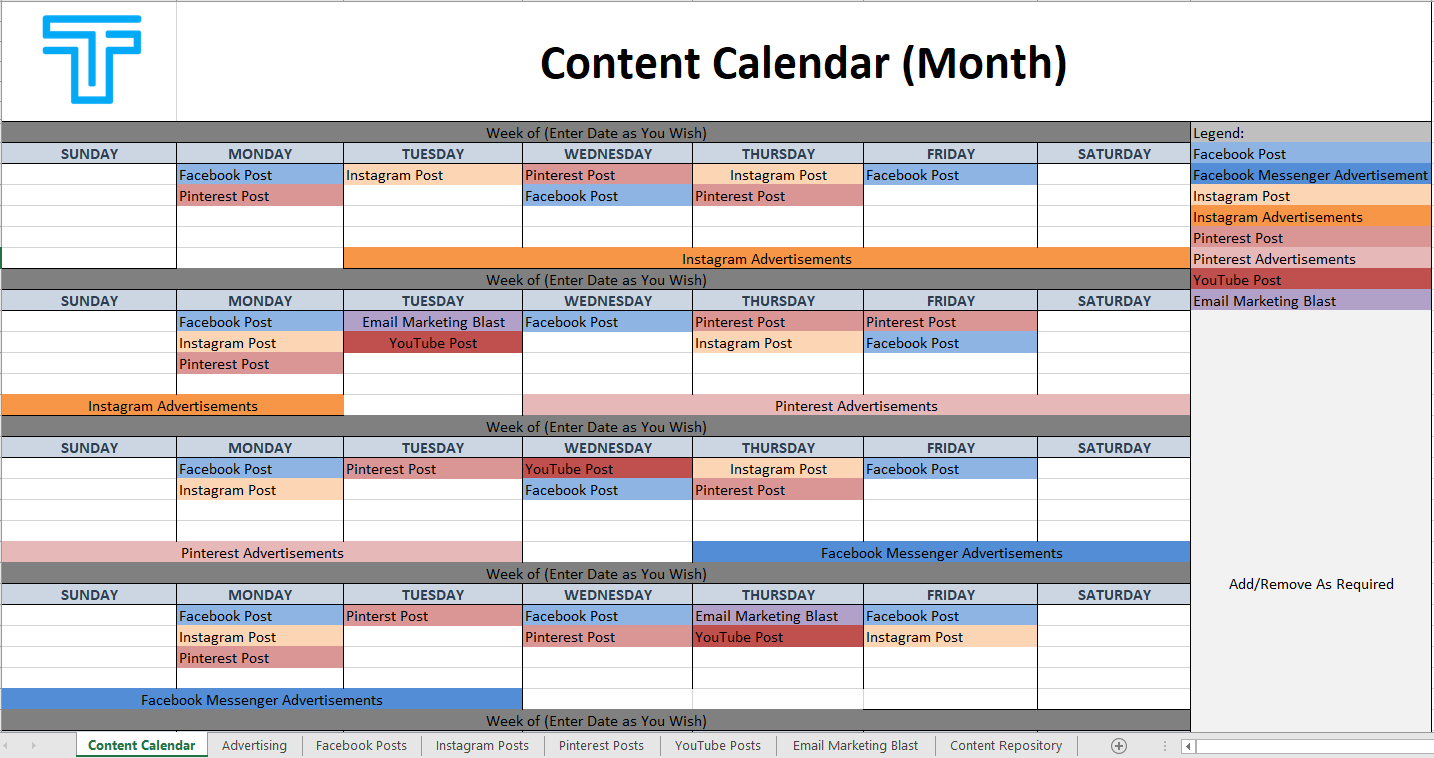
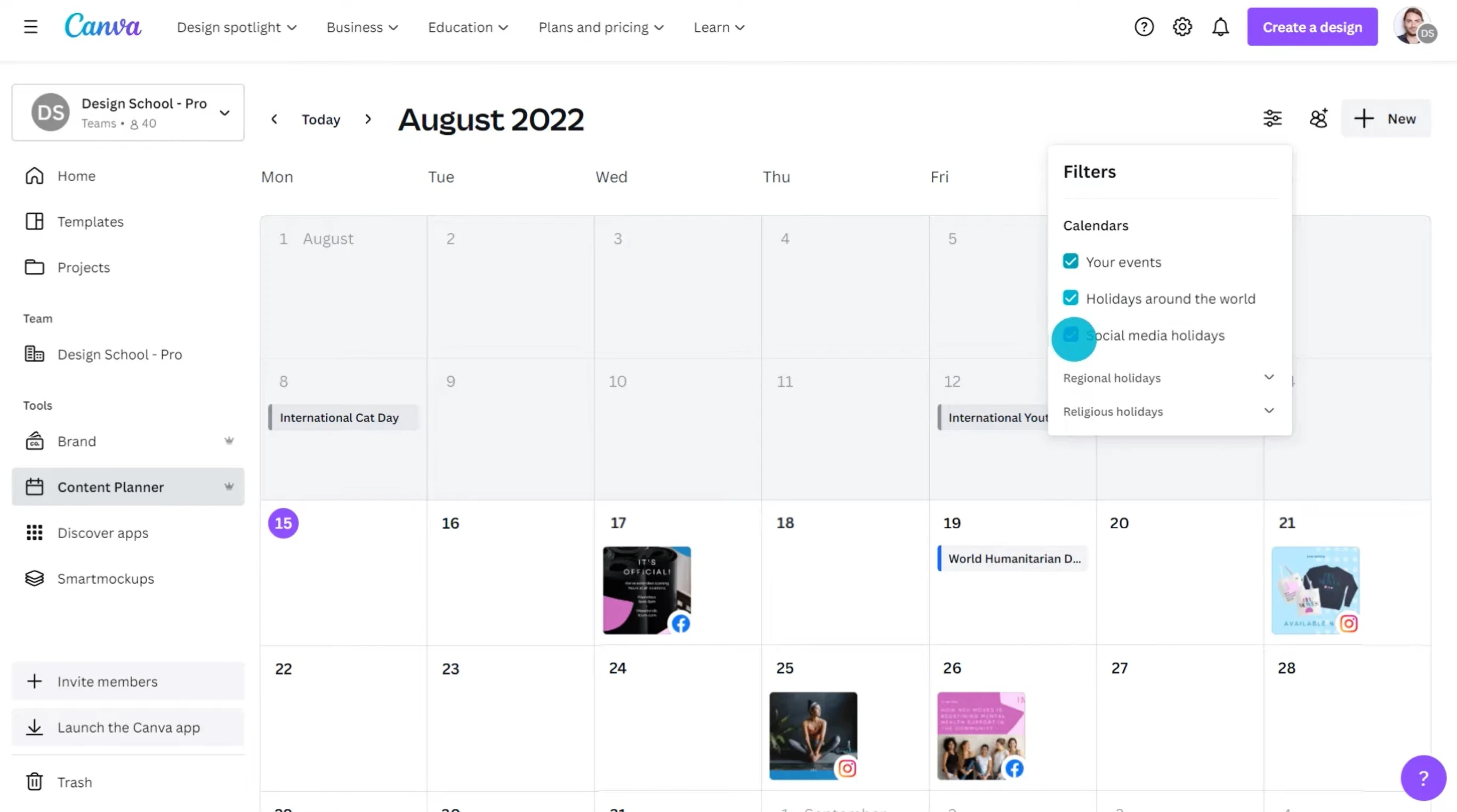
Choose Your Tool: Select a physical planner, Google Sheets, Google Calendar, Asana, or free templates for easy sharing and drag-and-drop edits.
-
Set Publishing Frequency: Decide based on capacity—e.g., 1–2 posts/week (Tues/Thurs) or 3/week (Mon/Wed/Fri). Account for breaks like holidays, aiming for 39 posts/year if weekly with time off.
-
Brainstorm and Categorize Ideas: Hold monthly/quarterly sessions using sticky notes or lists. Categorize by topic (e.g., content creation, business tips) and use keyword research to prioritize high-potential ones. Avoid back-to-back similar topics.
-
Mark Fixed Dates First: Slot in seasonal content like holidays (Easter, Christmas), special days (Valentine’s), or launches before filling gaps.
-
Assign Dates and Workflows: Fill the calendar by publish date, working backward for tasks like research, outlining, writing, design, approval, and promotion. Use checklists per post.
-
Fill and Balance Content: Match post types to days—e.g., long posts early week, shorter ones later. Batch-create (e.g., 1.5 days for 2 weeks' content).
-
Track and Adjust: Update statuses (e.g., "in progress," "live") and rearrange as needed. Review performance monthly.
| Element | Purpose | Example Tools/Formats |
|---|---|---|
| Editorial | Lists topics, titles, formats | Spreadsheet tabs for monthly/weekly views |
| Timeline | Deadlines per step | Gantt chart for teams |
| Status | Progress tracking | Color-coded (draft, ready, published) |
| Promotion | Post-publish plan | Channels like social/email |
Start small with 1–2 weeks, then scale to monthly planning for sustainability. Free templates from sources like TeamGantt simplify setup.















Maple Ranking offers the highest quality website traffic services in Canada. We provide a variety of traffic services for our clients, including website traffic, desktop traffic, mobile traffic, Google traffic, search traffic, eCommerce traffic, YouTube traffic, and TikTok traffic. Our website boasts a 100% customer satisfaction rate, so you can confidently purchase large amounts of SEO traffic online. For just 720 PHP per month, you can immediately increase website traffic, improve SEO performance, and boost sales!
Having trouble choosing a traffic package? Contact us, and our staff will assist you.
Free consultation